
Stay in Control of Your IT Assets
Teqtivity’s dashboard shows current IT asset data by role, helping teams understand their environment without relying on exports or outdated reports.
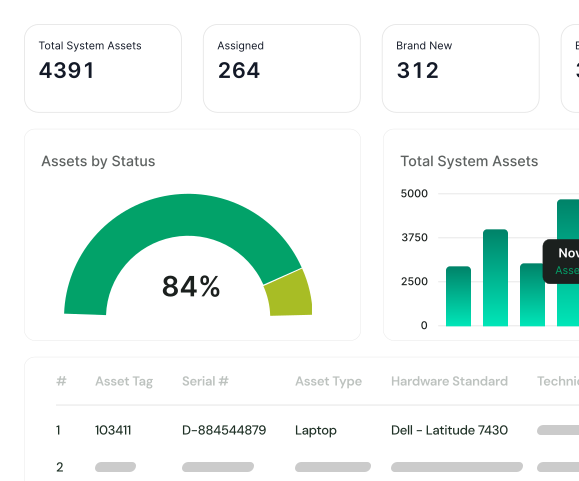
See What You Have, Right Now
A clear, real-time view of every asset across your environment.
-
View totals and status at a glance
-
Track assets in use, in transit, or in storage
-
Monitor damaged, in-repair, and end-of-life devices
-
Break down inventory by location, type, or platform
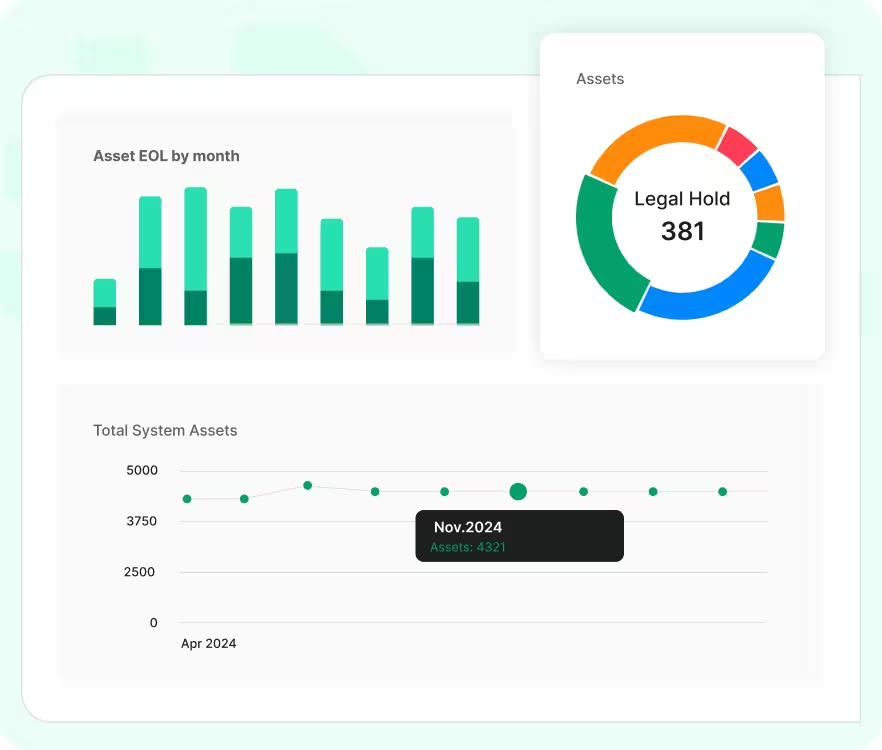
Catch Problems Before They Spread
Get ahead of gaps early and take action before they turn into issues.
-
Flag assets tied to inactive users or locations
-
Identify lost or unwiped devices
-
Track overdue repairs and long-damaged items
-
Stay ready for audits with complete records
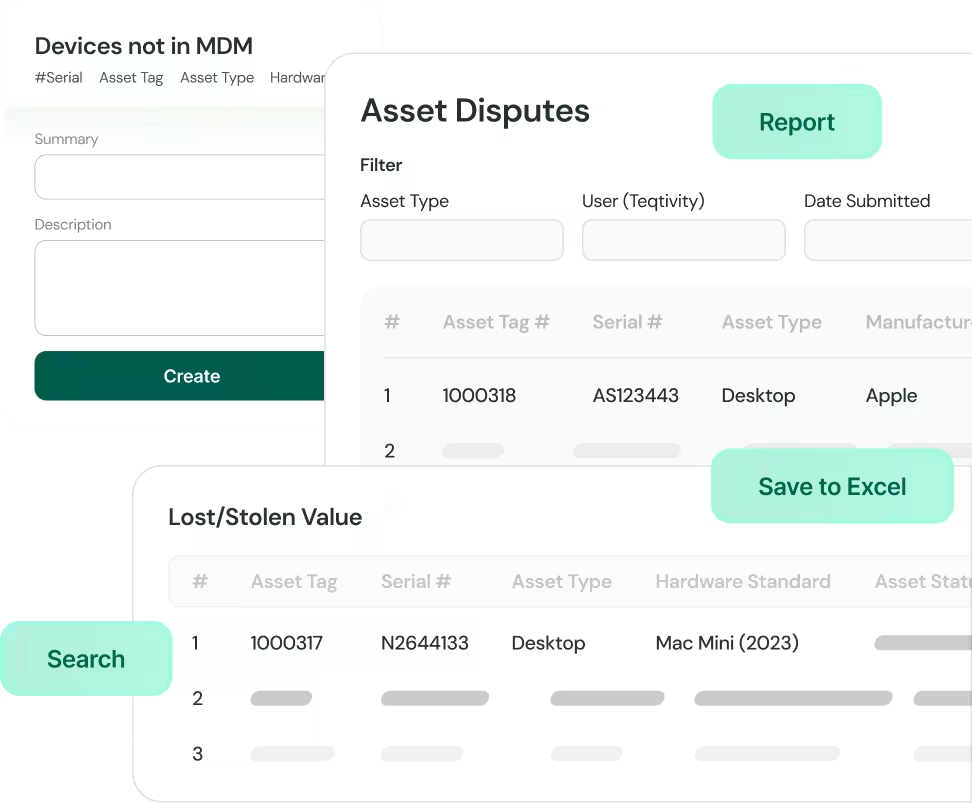
Make Decisions With Confidence
Use accurate data to plan, allocate, and control costs.
-
Know what’s available before buying new
-
Reassign underused devices
-
Plan refresh cycles with real usage data
-
Share reports for audits, finance, or planning
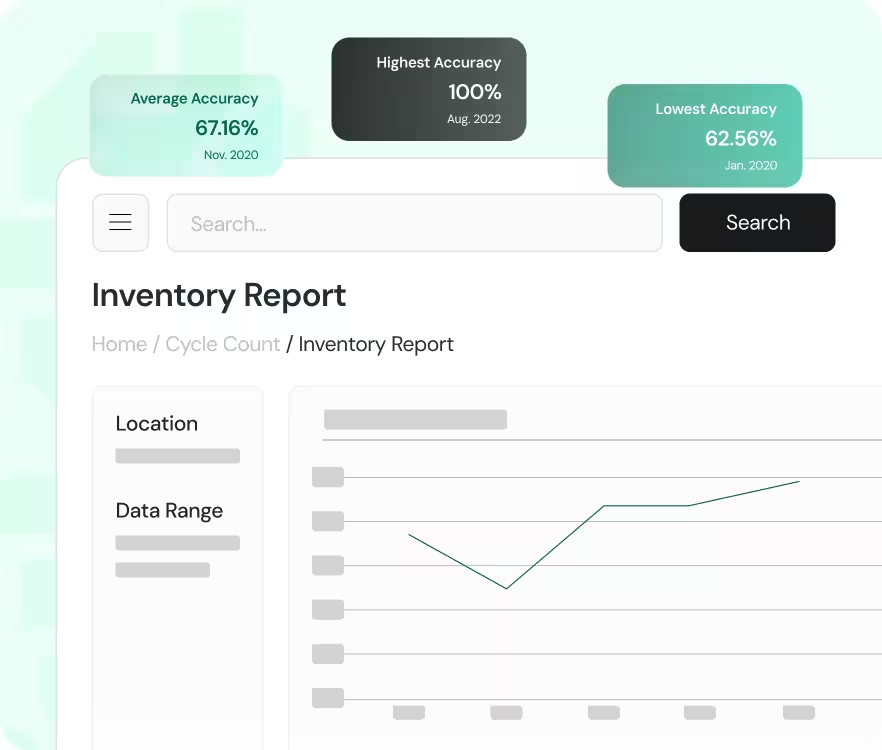
Your Data, Your Way with Teqtivity’s Built-In Reports
Access dozens of prebuilt reports that are ready to use, no setup required. From asset trends to compliance insights, Teqtivity’s reporting dashboard makes it easy to get the answers you need.
-
View detailed reports like Assets Created, Damaged Trends, and Repair & Recovery
-
Track compliance with reports for Warranty Expiry, OS Compliance, and Lost/Stolen Value
-
Monitor asset performance over time, including Computers by Age and Average Deployment Time
-
Analyze assignments by department, user status, or refresh cycle
-
Review financial insights like Depreciation Value and Asset Recovery Value
Report Generator: Filter, Save, and Export IT Data with Ease
Teqtivity’s Report Generator gives you full control and makes IT asset reporting easy. Whether you need a quick export or a recurring report, the tool adapts to your workflow.
-
Filter by What Matters Most
Quickly narrow down data by user, location, asset type, or status.
-
Save and Reuse Reports
Keep your filters, access saved searches anytime, and update them as needed.
-
Run Reports Without Slowing Down
Generate large reports in the background while you keep working.
-
Export in One Click
Download reports instantly without extra steps or manual formatting.